Base $0 forever
For side projects and trying things out.
Start for free- 5 projects
- 5 data instances
- 1 Edge with 5 tunnels
- 1 GiB storage
- 5 GB/month data transfer
FullStacked and FullStacked Cloud give developers and AI agents every resource to build the exact interface, project or tool you need: Git, managed databases, private network access and an MCP server. Share it with the people you invite, and it's live on every one of their devices.
Explore first on the Base plan. Go Pro when ready.
A database, network access, sign-in, installers for every device. FullStacked Cloud gives you all of it on day one, for you and for your agent.
| Without | With FullStacked Cloud |
|---|---|
Provision a database, rotate its credentials, open it to the right network | Link a managed Postgres to your project. Credentials arrive in process.env |
Open firewall ports to reach the on-prem ERP | Run an Edge in the LAN. It dials out on port 443, nothing opens inbound |
Build sign-in and permissions for every new tool | Share a project by email or with a group. Permissions per project, data and tunnel |
Package, sign and ship installers for every platform | Tag a release. Your team opens the project in FullStacked on phones, tablets and desktops |
Paste context into your AI assistant and copy its code back | Connect it to the MCP server. It creates, codes and commits with your permissions |
Each project opens in its own window on macOS, Windows and Linux, and in the FullStacked app on phones and tablets. The same build everywhere.
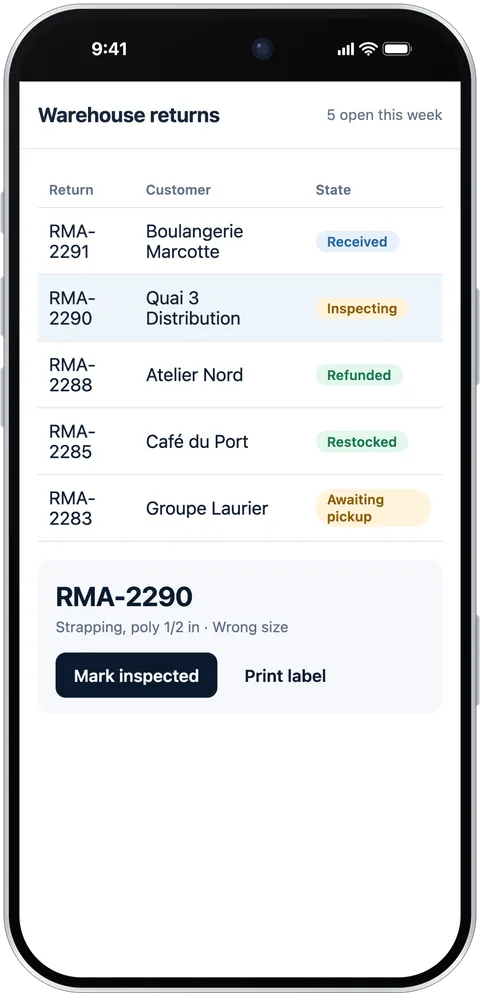
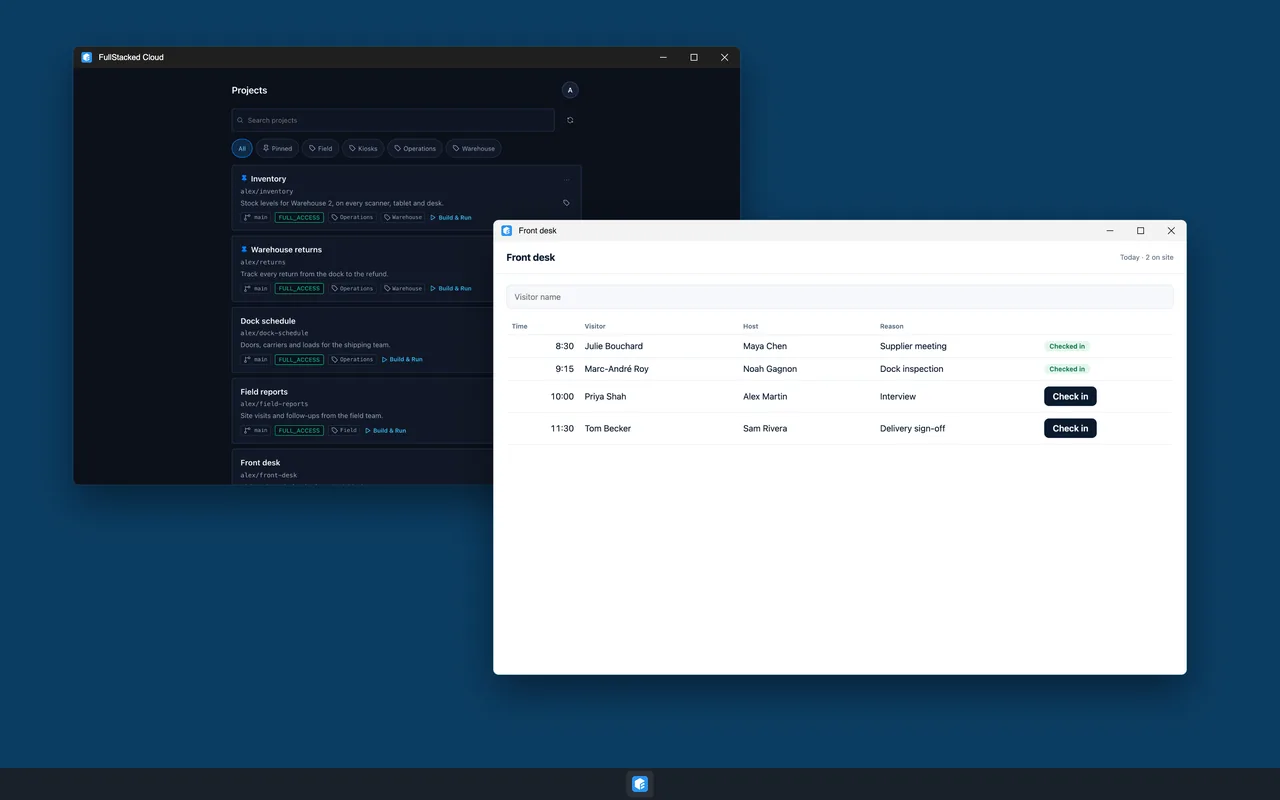
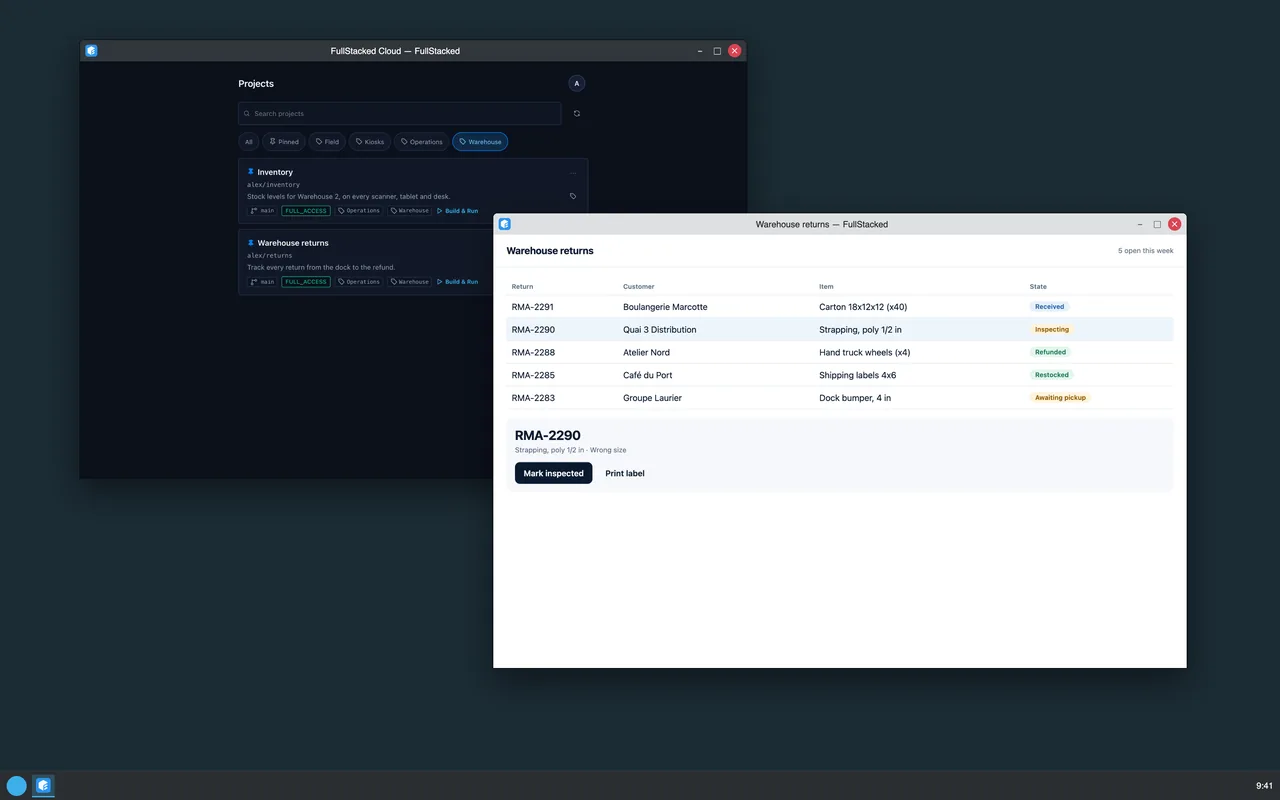
Built for the FullStacked runtime: your code reaches every service with the same token.
Standard Git hosting with branch rules, release tags and builds triggered by v* tags.
Edits stream to every connected device as you type. No commit needed to test on a phone.
Postgres, Redis, MongoDB and S3 on demand, with read-only and read-write access per user.
Reach databases and services inside a private network over outbound WebSockets. Zero inbound ports.
Claude, Cursor and any MCP client can create projects, provision data and commit code.
Invite people or groups on a project, a data instance or a single tunnel, with the right access level.
Click Install in the Console: the FullStacked app opens and sets itself up with everything shared with you.
Pin a device to one project. It signs in, updates and launches by itself.
Tag a version and your team runs that release, while collaborators keep the live dev state.
Projects, data, Edges, people and agent tokens live in one place, in your browser.
FullStacked Cloud speaks MCP. Connect your agent and it works on real projects and real data, limited to what you allow.
Build an inventory lookup for the warehouse, backed by Postgres.
Created project you/inventory and linked a new Postgres instance.
Wrote index.tsx and actions/search.ts, committed "inventory lookup".
Tagged a release and shared it with the warehouse group.
An operator console for your SaaS, a support desk, the studio behind your website: build the tools your team runs your product with, and share them with the people you invite. Your product keeps its own hosting.
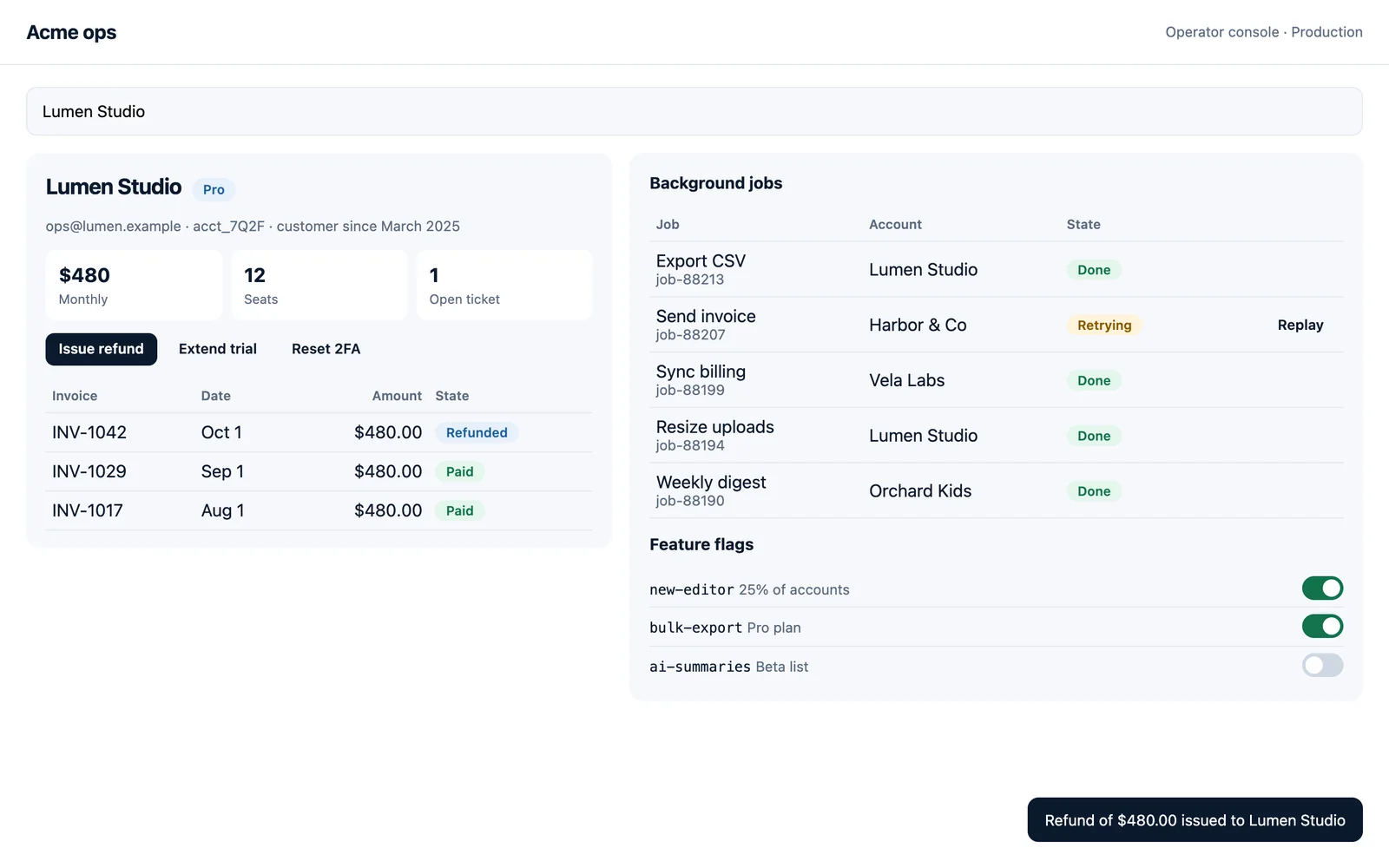
Your projects run in the FullStacked app: install it on every device you and your team will use.
Free on the App Store, Google Play, the Microsoft Store and Linux. Get it on each device at fullstacked.org.
Sign in to the Console with Google, GitHub, Apple or email.
In the Console, or right here: the FullStacked app opens and connects to your account in one click. Nothing to type.
Create a project, link data, invite your team. It's on their devices the moment you share it.
One Pro member unlocks a whole project: everyone invited works without limits.
For side projects and trying things out.
Start for freeFor teams ready to unleash their full potential.
Go ProYes. Your projects run in FullStacked, so install it on every device you will use: it is free on the App Store, Google Play, the Microsoft Store and Linux. Then the Install button connects it to your account in one click. The Console works in any browser.
No. FullStacked is for the tools your team uses, shared with the people you invite: the operator console of your SaaS, a support desk, the studio behind your website. Your product and your public site stay on your own hosting.
The asset is frozen for growth: reads keep working, new writes stop until you clean up or upgrade.
A project with at least one Pro member has no limits, along with the data and tunnels linked to it. Invite one Pro user and the whole team benefits.
Any MCP client, including Claude, Cursor and Antigravity. Each agent acts with the permissions of the token you give it.
Create your account, click Install, and start building with your AI agent.